
The WordPress Agency Guide to Contact Form Monitoring
You manage 20 client sites. All of them have contact forms. How many of those forms are working right now?
You probably don't know. Not for certain.
And that's the problem.
How Form Failures Happen at Scale
If you run a single website, a broken form is annoying but manageable. You'll notice eventually.
If you manage a portfolio of client sites, a broken form can go undetected for weeks. Here's why:
You're not visiting every client site every day. Once a site is live, you're typically only logging in when there's a support request or scheduled maintenance.
Clients don't know their forms are broken. They're not testing submissions weekly. They assume it's working because it was working when you handed it over.
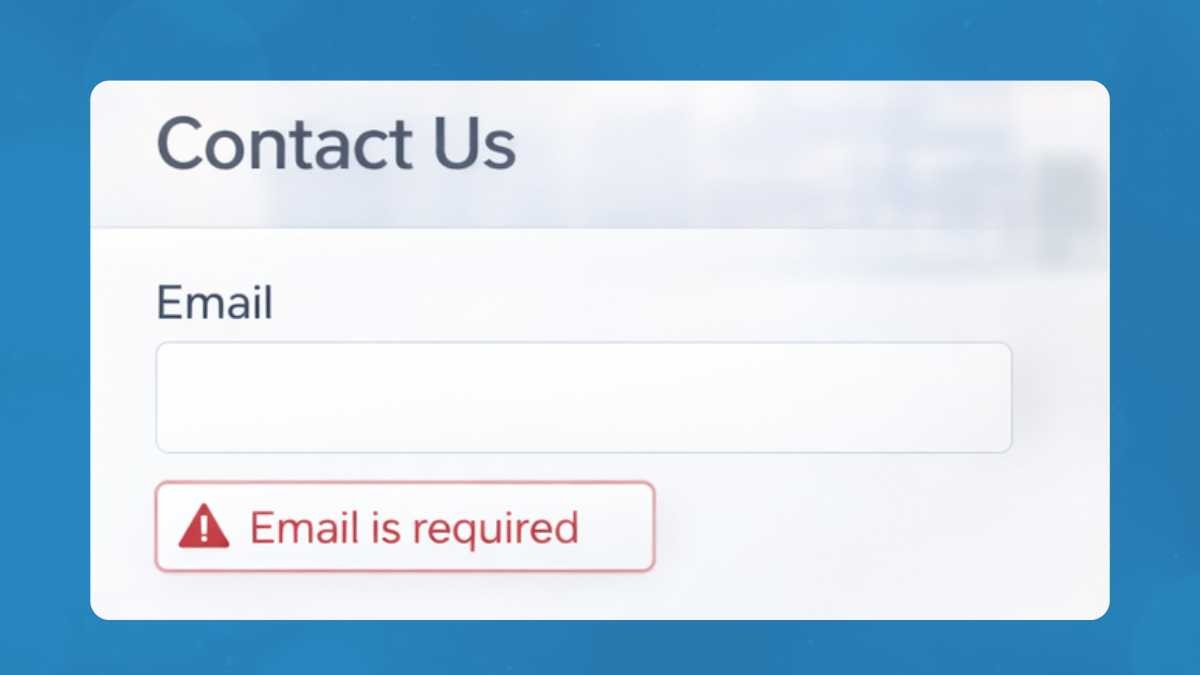
There's no native alert system. Contact Form 7, WPForms, Gravity Forms — none of them send you a notification when email delivery fails. The form keeps accepting submissions. They just disappear.
So the failure mode looks like this: a plugin updates, SMTP breaks, emails stop arriving, nobody notices for three weeks, then a client asks why they haven't heard from anyone. By then, dozens of leads are gone.
What Causes Forms to Break (Without Touching Them)
You don't have to change anything for a form to stop working. Here are the most common triggers:
WordPress core updates — occasionally change how email functions are called, exposing issues with older plugin configurations.
Plugin updates — security plugins (Wordfence, iThemes) frequently update firewall rules that can interfere with POST requests or SMTP connections. A CF7 update can reset mail settings.
Hosting changes — email sending limits, PHP version upgrades, server migrations, IP reputation changes. All can affect mail delivery without warning.
SMTP credential changes — an app password revoked, a SendGrid API key expired, an email address renamed in Google Workspace. The form keeps trying to send. Nothing arrives.
SSL certificate issues — some SMTP configurations break when certs are renewed or if there's a mismatch.
None of these generate a visible error on the site. The form just stops working.
Why Manual Testing Doesn't Scale
The instinct is to add "test all client forms" to a regular maintenance checklist. In practice, this doesn't work.
Testing a form properly — submitting it, verifying delivery, checking the email content, confirming integrations fired — takes at least 5 minutes per site. For 30 sites, that's 2.5 hours. Every week.
More importantly, manual testing is point-in-time. You test on a Monday, everything works. A plugin auto-updates on Wednesday. By Friday the form is broken. Your next scheduled test is seven days away.
The math doesn't work. For agencies, manual testing is not a real solution.
What You Actually Need
Effective form monitoring at scale requires three things:
1. Automated, recurring tests
The form needs to be submitted on a regular schedule — not just when you happen to log in. Ideally daily or every few hours for critical client sites.
2. Full-chain verification
A test that just checks whether the form renders isn't enough. The test needs to verify that a submission goes through, the server processes it, and the email is delivered. These are three separate failure points.
3. Instant alerts
When something breaks, you need to know immediately — not at your next scheduled check. An email or Slack notification the moment a form fails means you're calling the client before they call you.
How FormDoctor Handles This
FormDoctor was built specifically for this problem.
It uses a headless browser (Playwright) to visit your forms and submit them like a real user. It fills in form fields, clicks submit, and verifies that the expected email is delivered. If any part of that chain fails, you get an alert.
For agencies, you can add all your client sites to a single dashboard. Each form has a status (passing/failing), a last-checked timestamp, and an alert history. You see the health of your entire portfolio at a glance.
You don't install anything on client sites. You don't need admin access to WordPress. You add the form URL, configure the test, and FormDoctor handles the rest.
Start monitoring your client forms free →
Setting Up Agency-Level Monitoring
Here's a practical approach to rolling this out across a client portfolio:
Step 1: Audit your current forms
Make a list of every client site and the forms on each. Priority-sort by client value and form criticality (a lead gen form on an active ad campaign ranks higher than a newsletter signup).
Step 2: Fix known issues first
Before setting up monitoring, do a one-time test across your top sites. Use the contact form testing checklist. Fix anything broken.
Step 3: Set up monitoring for critical forms first
Don't try to add everything at once. Start with your top 10 clients' primary contact forms. Get those stable, then expand.
Step 4: Standardise your SMTP setup
Across client sites, use a consistent SMTP provider (WP Mail SMTP + SendGrid or Mailgun works well at scale). Standardisation means fewer unique failure modes to debug.
Step 5: Set up client-facing reporting (optional)
Some agencies include form monitoring status in monthly reports to clients. It's a tangible proof point that you're actively maintaining their site, not just charging a retainer.
The Client Conversation
There's also a business case for proactive monitoring that goes beyond the technical.
When a form breaks and a client finds out before you do, you're on the defensive. You're explaining what happened, when it broke, and why you didn't catch it. Even if it's not technically your fault, it damages trust.
When you catch it first and fix it before the client notices, that's a completely different conversation. "We noticed your form had an issue overnight and fixed it this morning" is exactly the kind of proactive service that justifies a higher retainer.